



Guides
The short answer
You need cameras, a switcher to cut between them and the slides, clean sound from the sound desk, a streaming computer, and a wired internet line with a steady upload. Test the line at the venue first, record while you stream, and have a technician run it.
Cameras
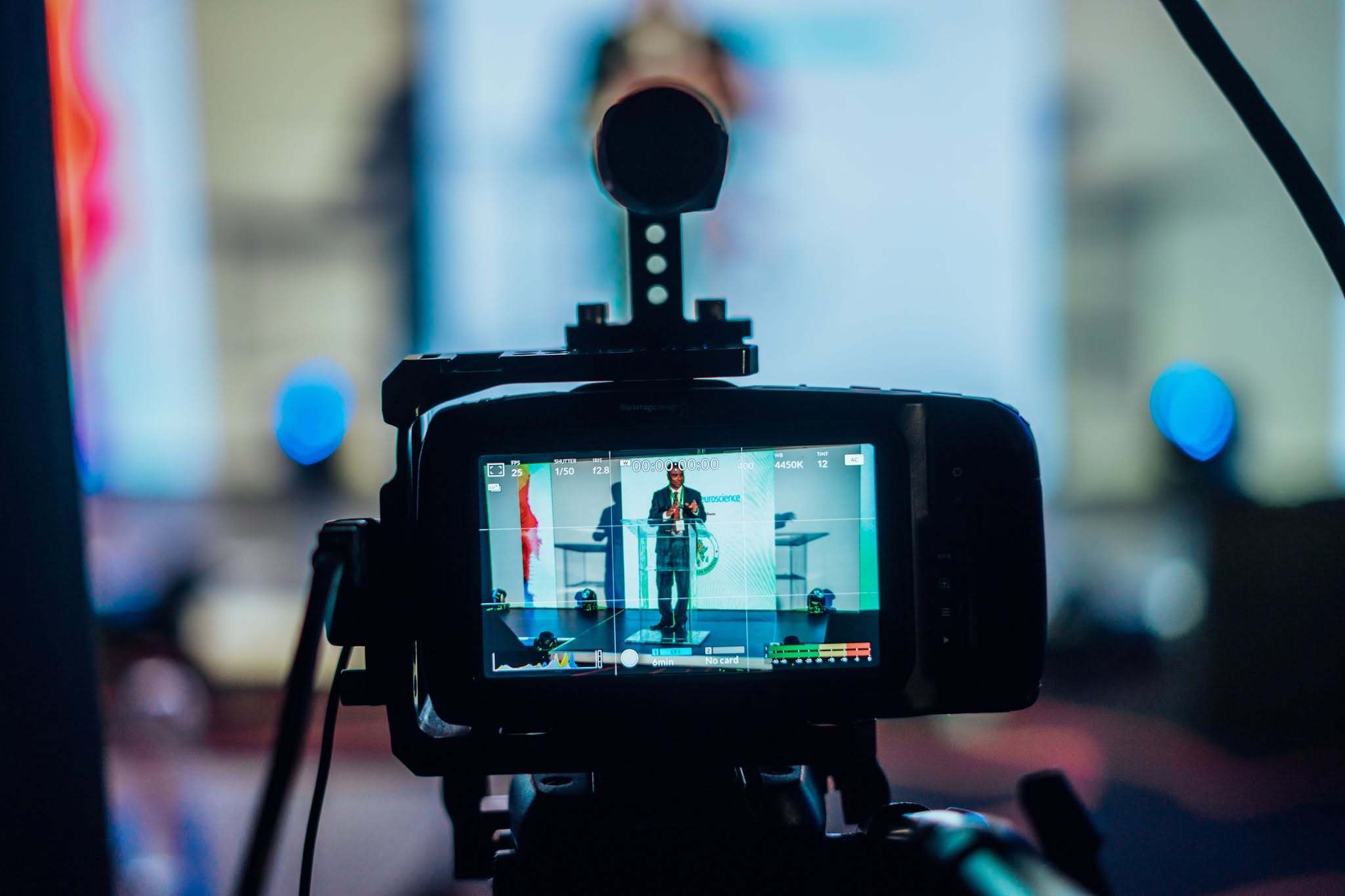
One camera works for a single speaker at a lectern. Two or three let you cut between a wide shot, a close-up and the panel, which feels far more like television. Cameras sit on tripods, or with an operator who follows the action.
The switcher
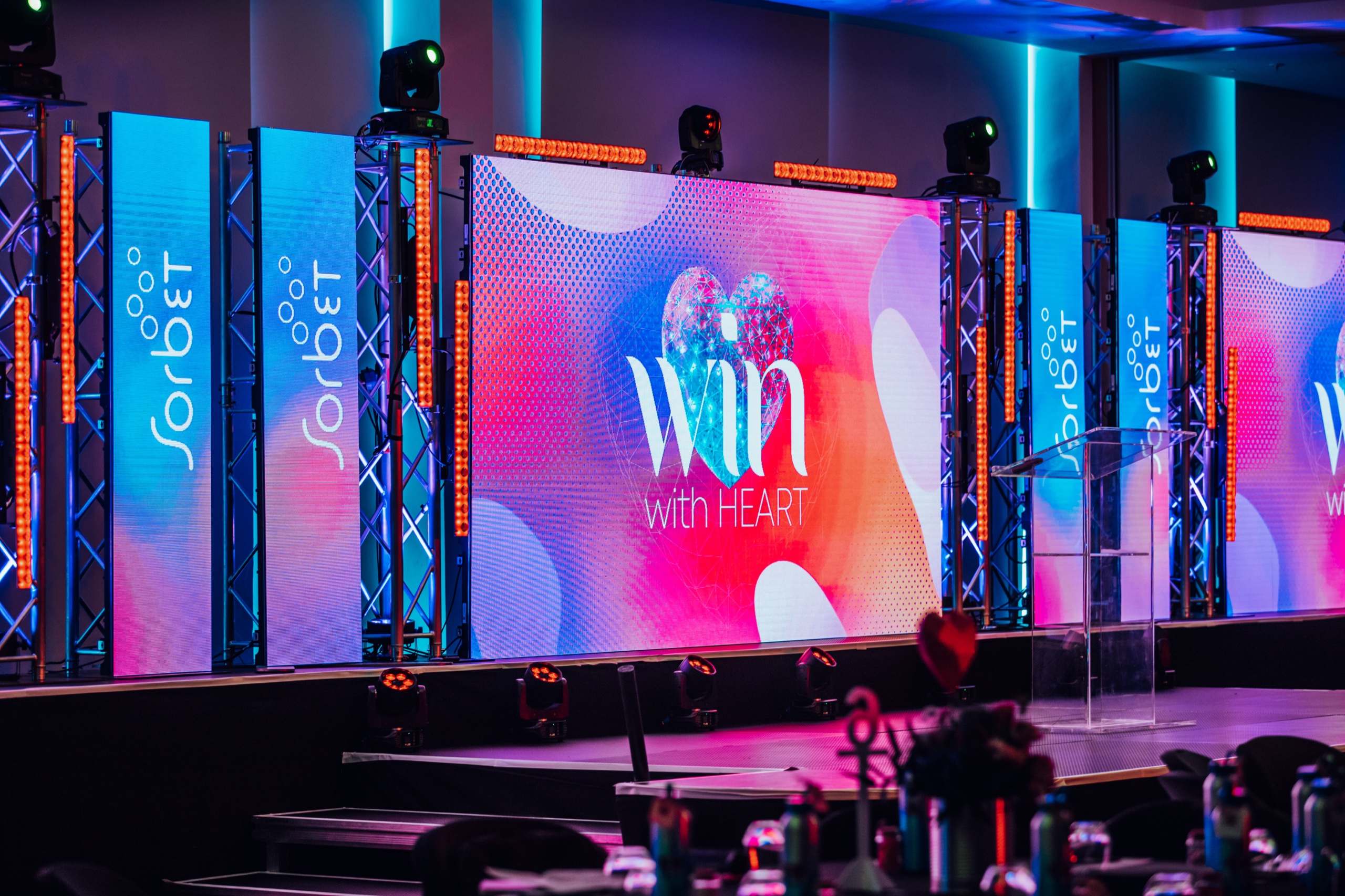
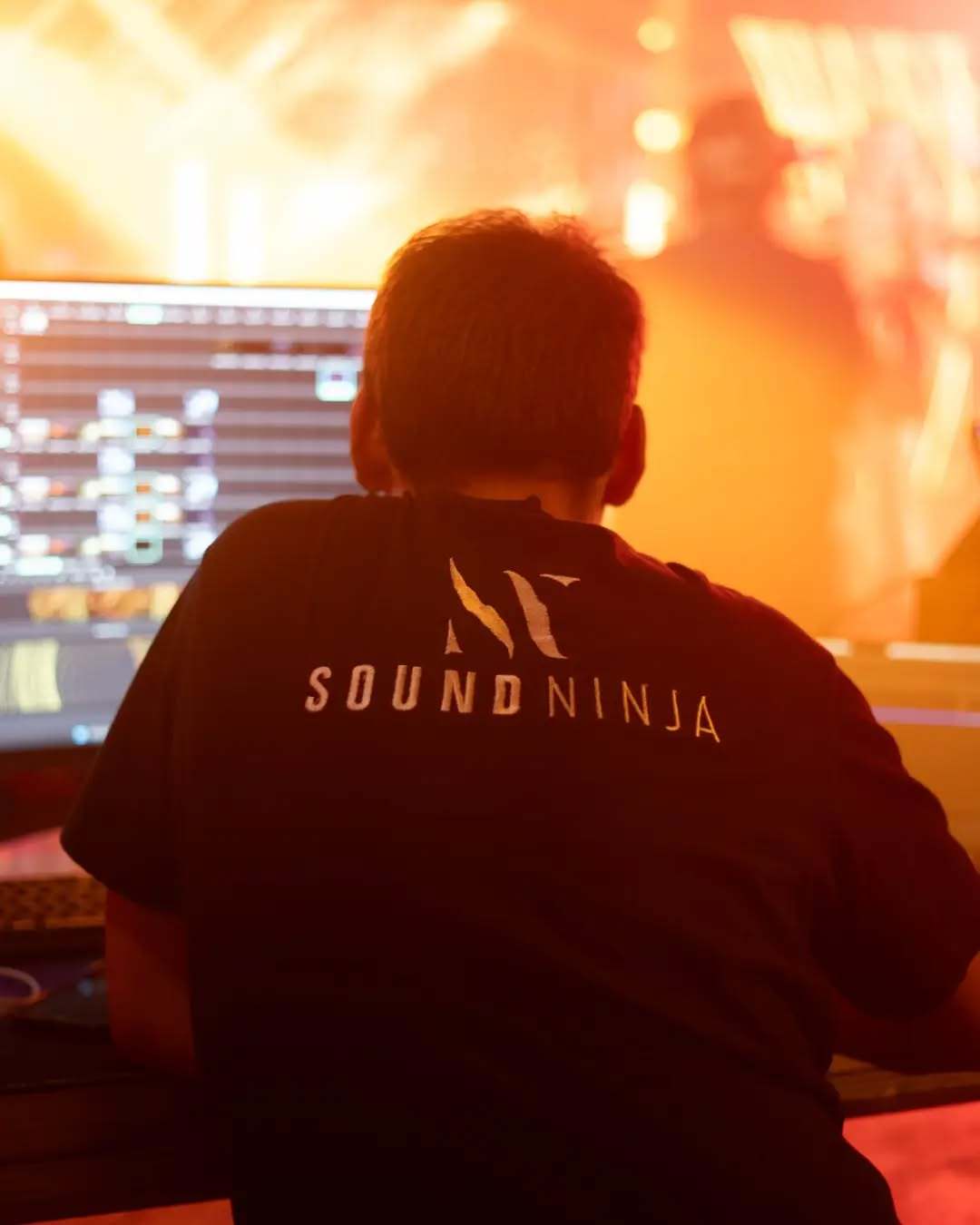
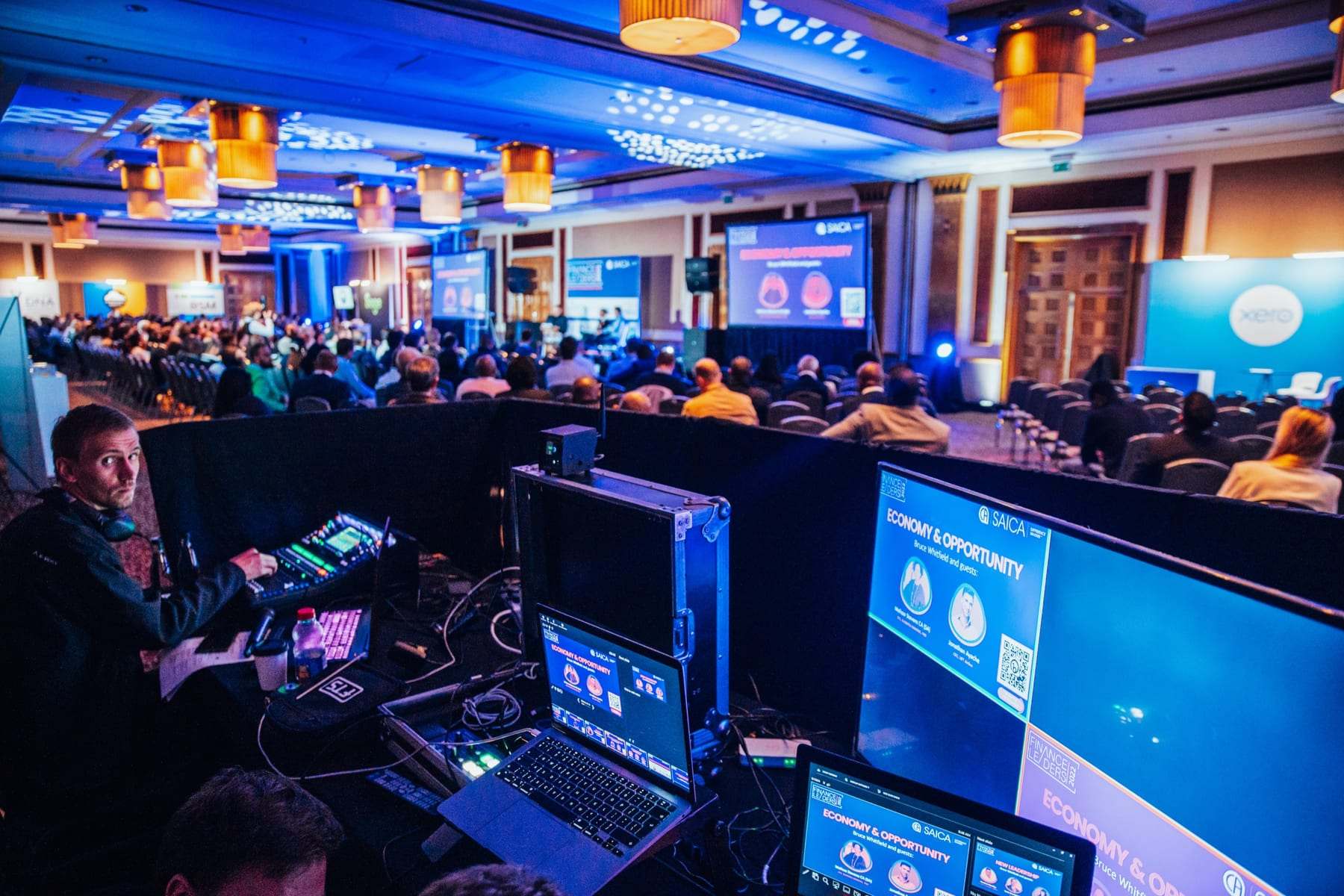
A switcher, also called a vision mixer, cuts between cameras, slides and video while you're live. Its multiview shows every source on one screen, so the technician can see what's coming next. The same feed can go up on the LED wall in the room.
Sound from the desk
Take the sound from the sound desk, not from a microphone on a camera. That way viewers hear exactly what the room hears, with every speaker's mic in the mix.
The internet: what fails most
Most failed streams are internet problems, not camera problems. Three rules:
- Use a wired connection, not the venue's Wi-Fi
- Upload speed matters, not download speed
- Ask for a steady upload of at least double the stream's speed. A full-HD stream usually needs about 4 to 6 Mbps, so look for 10 Mbps or more
Test the line at the venue before the day, at the same time of day you'll stream.
Record it as well
Record every session while you stream. If the internet drops, you still have the full recording to post afterwards. Our streaming kit records on a HyperDeck while it streams.
Where it goes
Most platforms take a stream key or a meeting link. Tell us which platform you use when you ask for a quote. The stream can be public, or a private link that only your guests can open.
Planning an event? Tell us the date, the venue and the guest count, and we'll quote with the full kit list.
I want an awesome event