





Guides
The short answer
Sound with enough wireless mics, screens sized to the back row, a lectern with a confidence monitor, light on the speakers, and a technician at the desk all day. Send your AV supplier the venue, the date, the guest count, the programme and your slides, and test everything before the doors open.
Sound
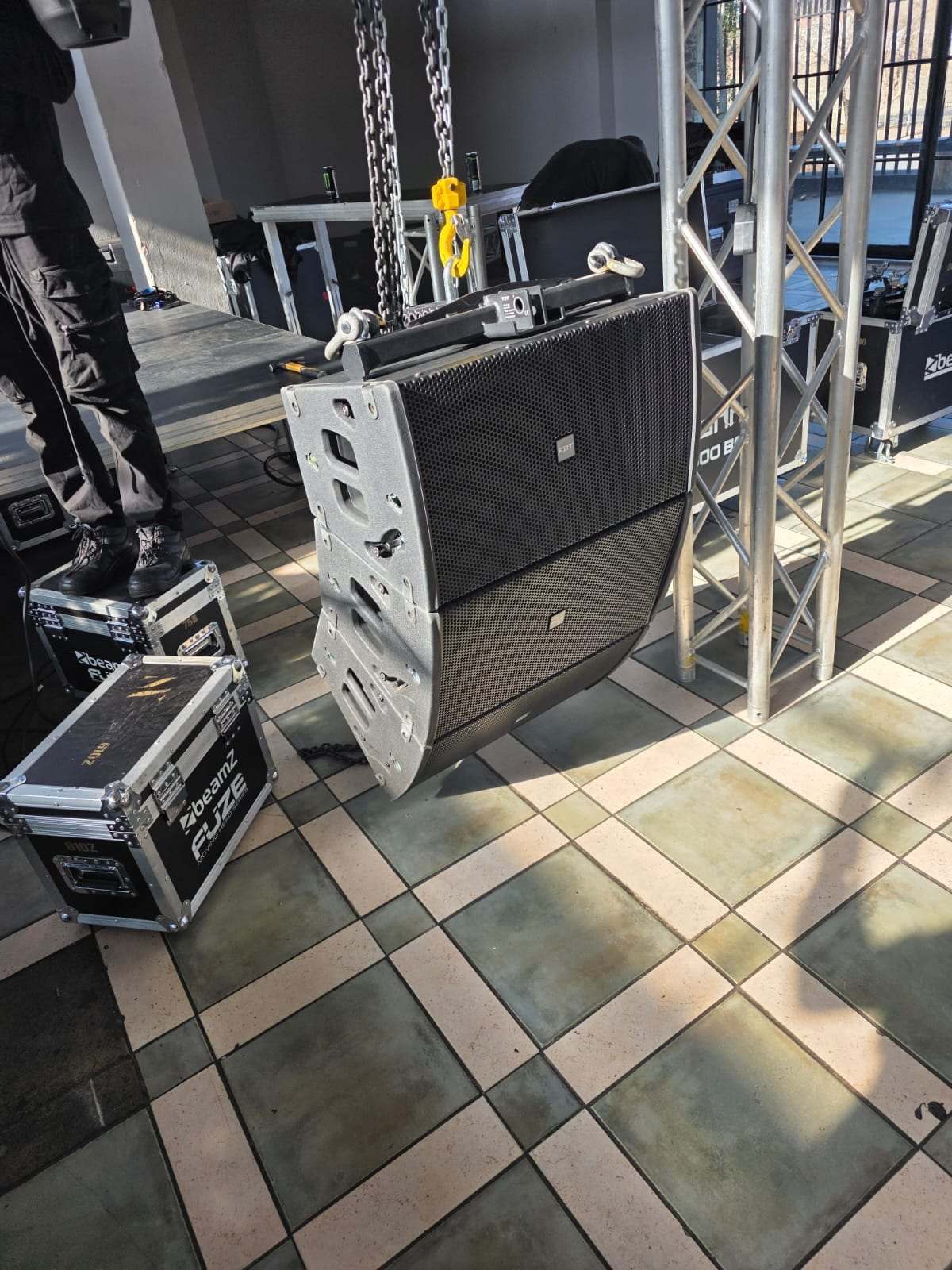
- Speakers sized to the roomSo the back row hears without the front row being blasted.
- Enough wireless micsOne for each person speaking at the same time, one or two for Q&A, and a spare.
- Lapel or headset micsFor presenters who walk around the stage.
- A mixer and a technicianTo bring each mic up on cue and keep the levels steady.
Screens
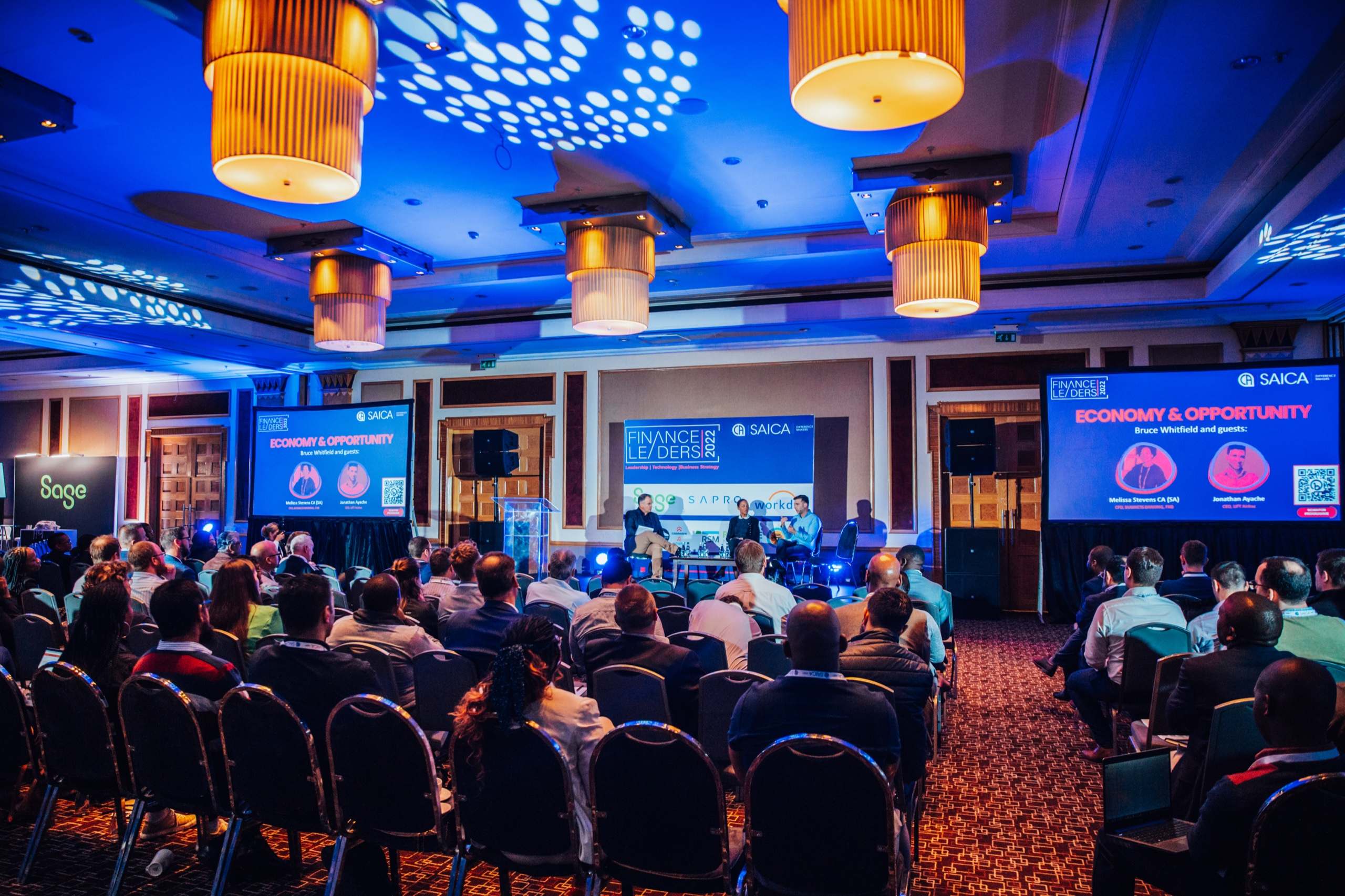
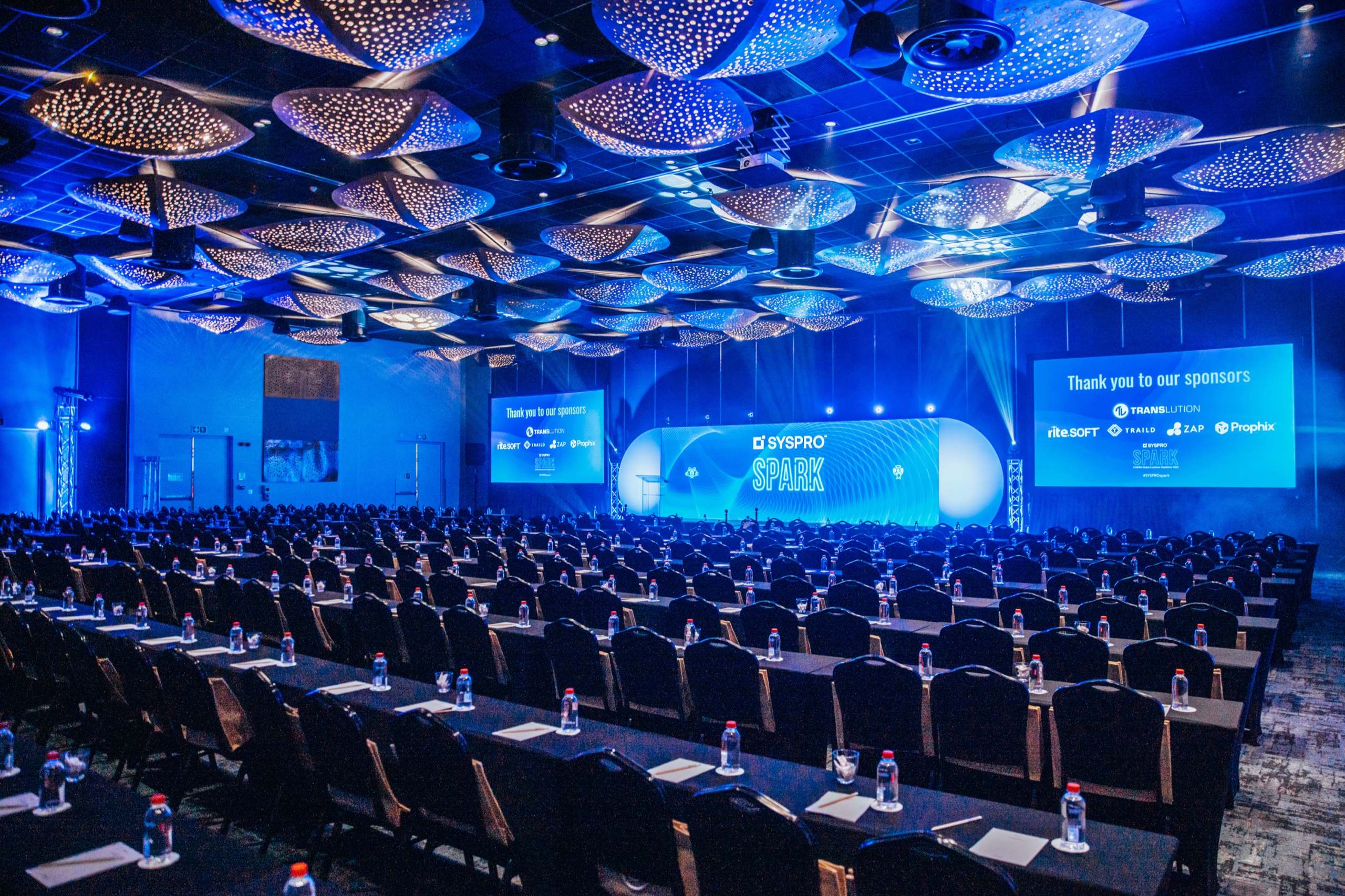
- The right sizeAt least a sixth of the distance to the back row tall, for slides.
- Side screens for wide roomsSo guests at the sides see one straight on.
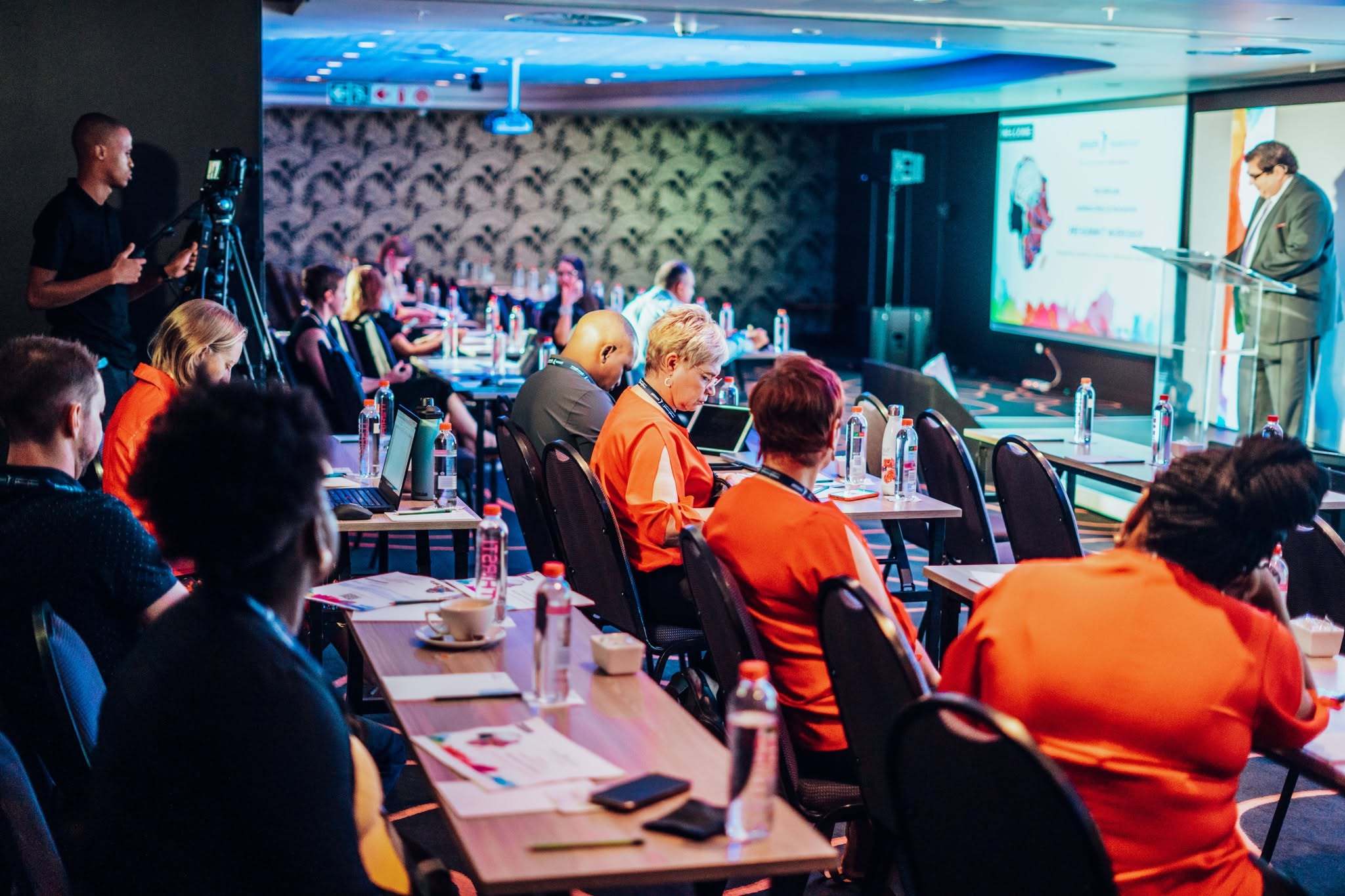
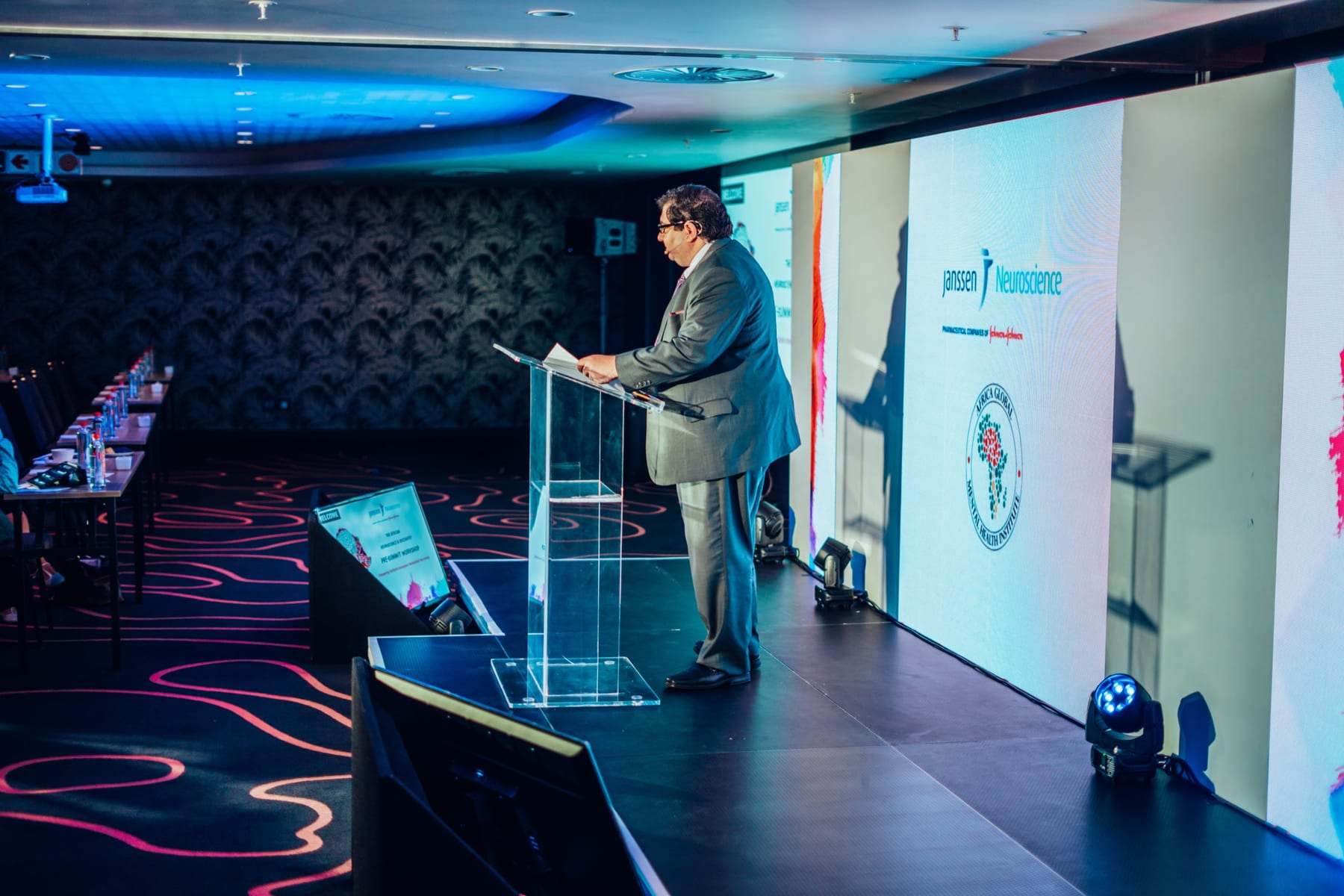
- A confidence monitorA screen at the front of the stage that shows the speaker their slides and notes.
- A clickerSo speakers can move their own slides.
Not sure about the size? See How big should my LED screen be?
Stage and light
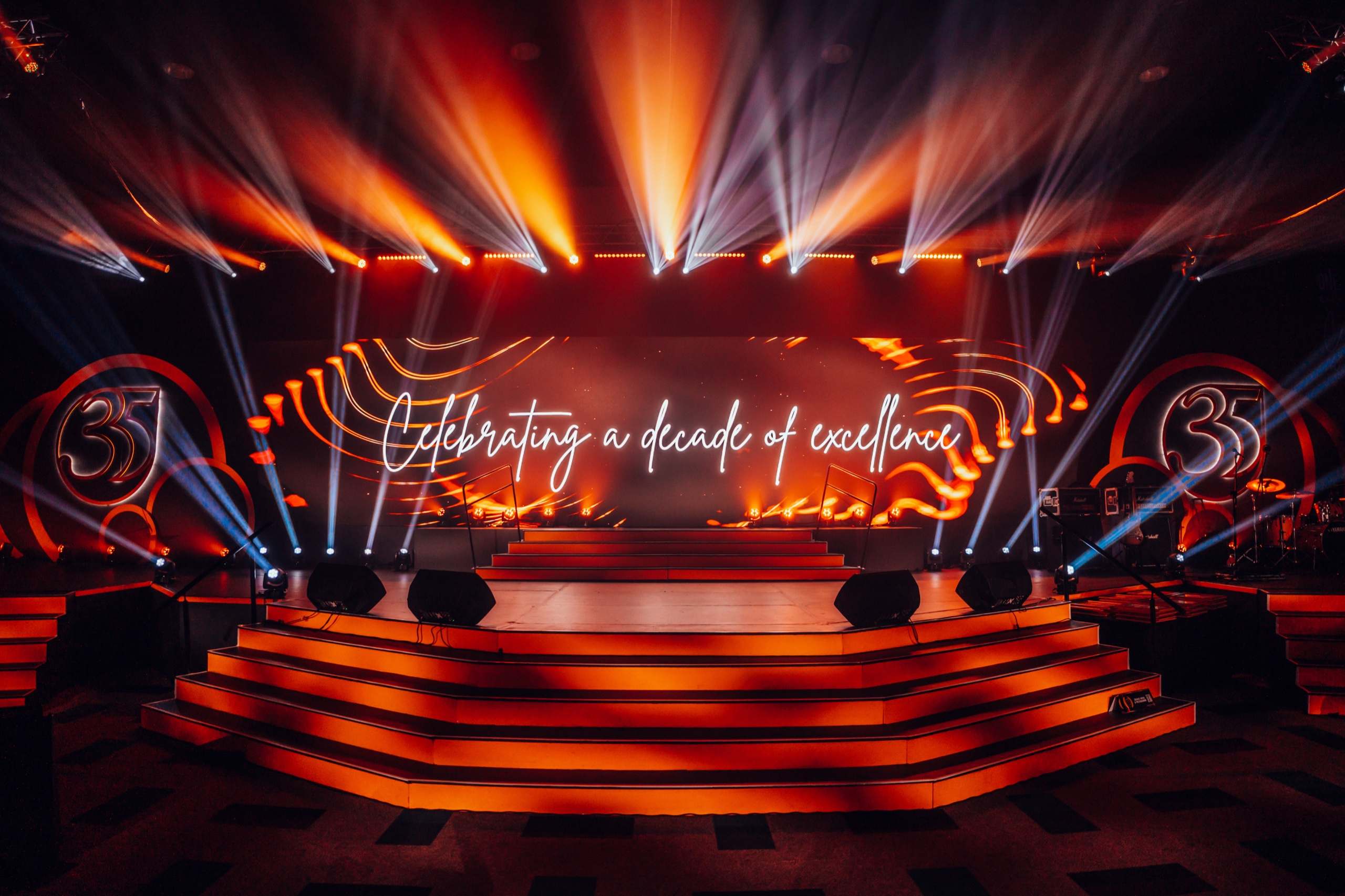
- A raised stageSo the back rows can see over the heads in front.
- A lecternWith a gooseneck or lapel mic.
- Light on facesSo speakers look good in the room, in photos and on camera.
- StepsWith a clear, lit path on and off the stage.
Slides and video
- 16:9 slidesThe shape of almost every screen and projector.
- Files in the day beforeSo the technician can load and test them.
- One laptop for all slidesFewer cable swaps between speakers.
- Videos tested with soundPlay every video once in the room before the doors open.
- A backupEvery file on a USB stick as well.
Cameras, streaming and recording
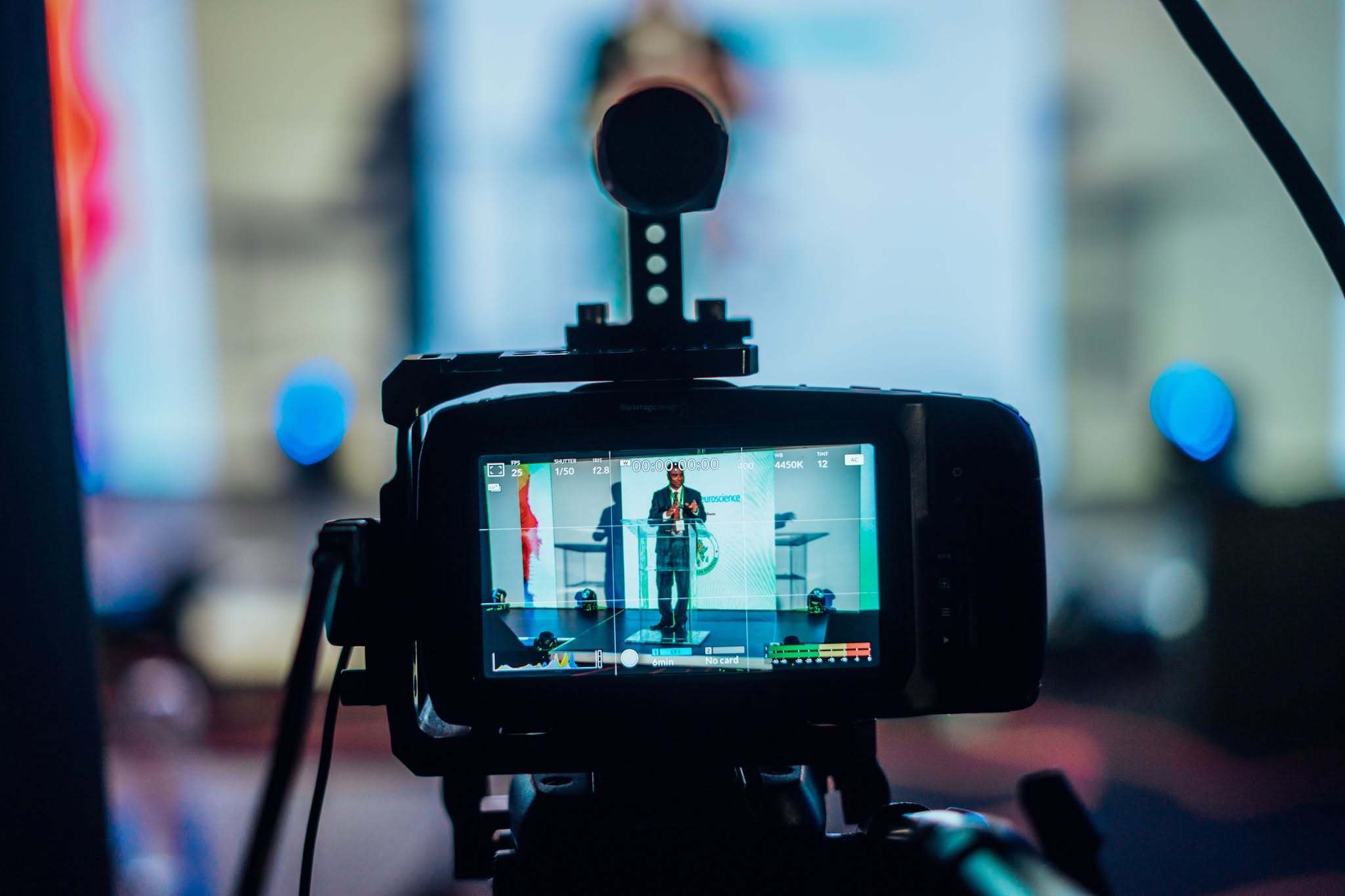
- A camera on the speakerTo put them on the big screen for the back rows.
- RecordingTo keep every session for later.
- A live streamFor the people who can't be in the room.
Streaming? See How to live stream an event.
Breakaway rooms
- A screen in each roomA projector and screen, or a TV on a stand.
- Sound and micsFor the bigger breakaways.
- Someone on handTo get between rooms when a laptop won't connect.
On the day
- A run sheetTimes, speakers, slides and cues, shared with the AV team.
- A sound checkEvery mic tested before the doors open.
- A slide checkEvery deck opened once on the stage screens.
- A technician at the deskFrom the first session to the last.
What to send your AV supplier
- The venue and the room
- The date, and the start and end times
- The guest count and the seating layout
- How many speakers and panels
- Your slides and videos, or when they'll arrive
- Whether you need streaming, recording or breakaway rooms
Planning an event? Tell us the date, the venue and the guest count, and we'll quote with the full kit list.
I want an awesome event